
Identify Your WordPress Version
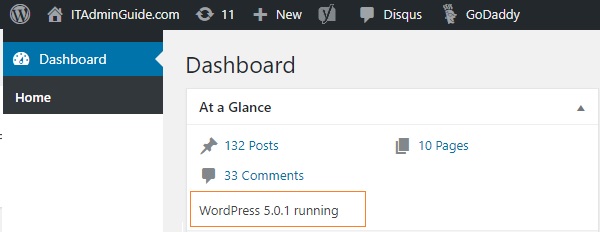
On your WordPress Dashboard, scroll down to the bottom and on right end, you will see WordPress Version number. You can also find in “At a Glance” WordPress admin widget in Dashboard.
For WordPress Version 5.0 and above
- Edit functions.php
- Add following code to disable Gutenberg for all posts
add_filter(‘use_block_editor_for_post’, ‘__return_false’, 10);
For WordPress Version below 5.0
- Edit functions .php
- Add following code to disable Gutenberg for all posts


Leave a Reply