Install mysql connector package to execute import package in Virtual Studio Code
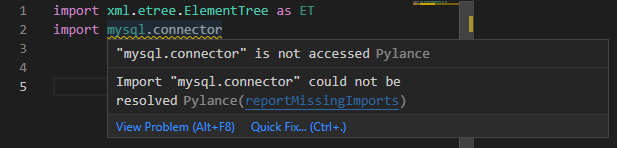
- Navigate to python installation directory
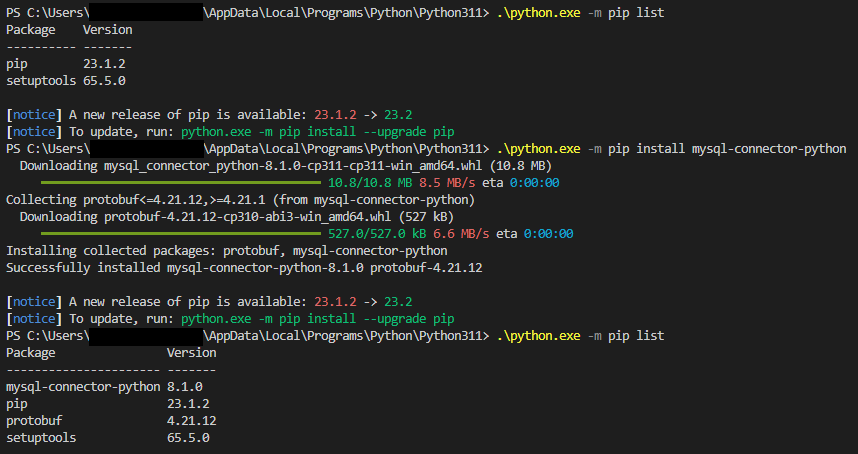
- List the installed packages
python.exe -m pip list
- If there is no mysql connection, install using this command
python.exe -m pip install mysql-connector-python
 $2.75 per month
HostGator
24/7/365 Technical Support, Free Site Building Tools, 4500 Website Templates, Free Shopping Cart Software, Ideal for WordPress, 45 Day Money Back Guarantee


Leave a Reply